Installed components
This page lists everything Cenova installs on the host — the Cenova services themselves, the supporting binaries they rely on, and the user-facing artifacts created during installation.
1. Cenova services
| Service | Role |
|---|---|
| Cenova Server | Hosts the web app and central back-end. Listens on port 9797. |
| Cenova Edge | Performs indexing of data sources. Runs under a service account that has read access to the file shares being scanned. May run on a separate node in future releases. |
In the initial release, Cenova Server and Cenova Edge are colocated on the same VM. Splitting them across machines is planned for a future release.
2. Supporting components
| Component | Purpose |
|---|---|
| Cenova binary | The executable that runs the Cenova services. |
| NSSM | Wraps the Cenova binaries as proper Windows services. |
| NATS | Lightweight message bus used for Server ↔ Edge communication on port 4222 (local only). |
| SQLite | Embedded database engine used as the local data store for the index and project databases. No separate database server is required. |
| SQLite extensions | Selected extensions loaded into SQLite to provide the additional functions Cenova relies on (e.g. for indexing and querying). |
| DB Browser for SQLite | Local tool for manually inspecting the SQLite databases for troubleshooting / support. |
3. User-facing artifacts
| Item | Description |
|---|---|
| Cenova website | The browser UI served at http://localhost:9797. |
| Desktop shortcut | Convenience launcher to the web app. |
Component screenshots
Cenova Edge service
Cenova Server service
SQLite extensions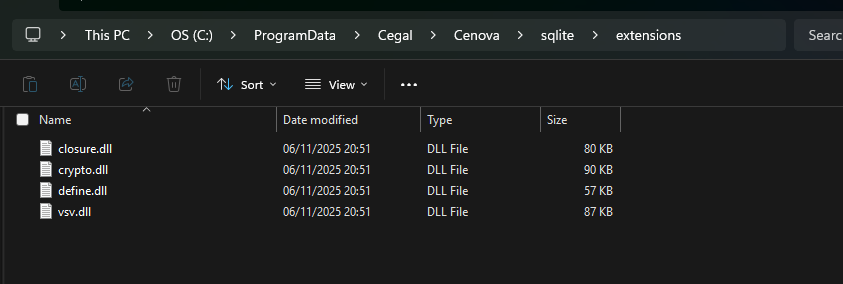
Cenova website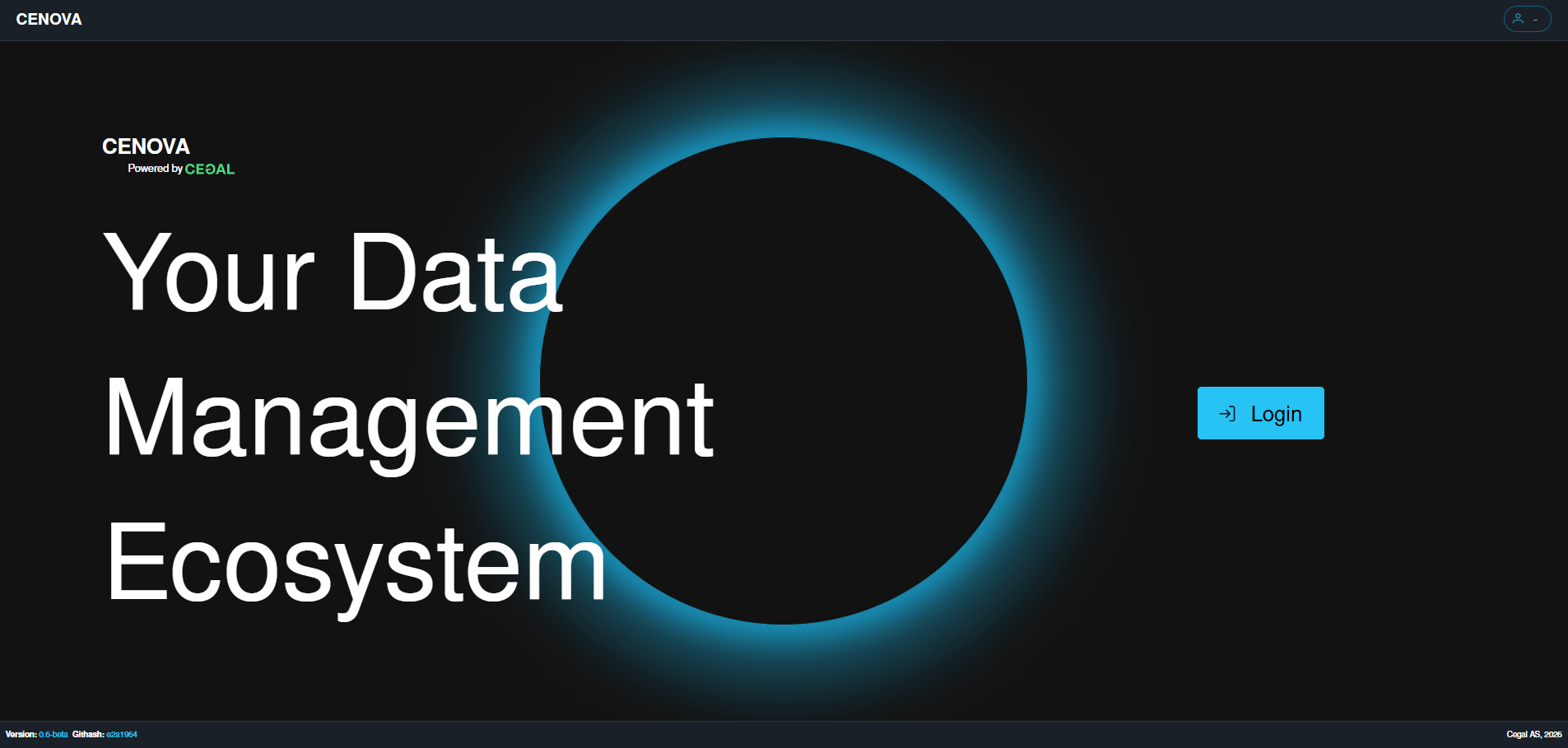
Desktop shortcut
Related reading
- Installation guide — step-by-step deployment on a Windows Server.
- Architecture — how the services fit together, authentication, licensing and networking.